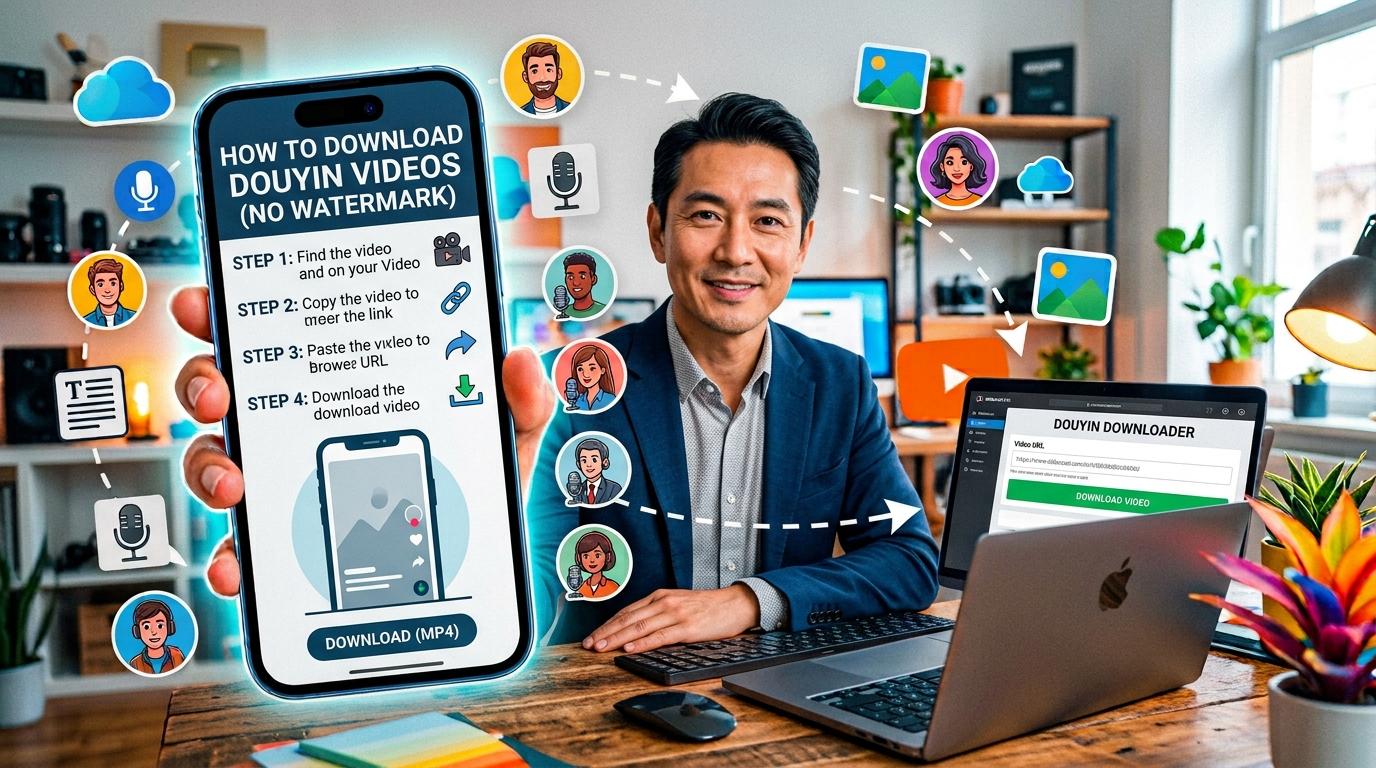
Douyin (抖音) is the Chinese version of TikTok — same parent company (ByteDance), same short-video format, but with different content, creators, and features built for the Chinese market. Downloading Douyin videos is harder than TikTok because the app is region-locked, the website is in Chinese, and most international downloaders don't support it.
This guide shows you how to download any Douyin video online for free — without watermark, without installing an app, and from anywhere in the world.
What Is Douyin (抖音)?
Douyin is ByteDance's short-video platform launched in China in 2016. When ByteDance expanded internationally, they created TikTok as a separate app for non-Chinese markets. Despite sharing the same core technology and algorithm, Douyin and TikTok are completely separate platforms with different apps, different user bases, and different content libraries.
Douyin has over 700 million daily active users in China. It offers everything TikTok does — plus features tailored for the Chinese ecosystem: integrated e-commerce, live streaming with virtual gifting, mini-programs, and local business listings. Much of the content on Douyin never makes it to TikTok, which is why people outside China often want to download Douyin videos.
Douyin vs TikTok: What's the Difference?
- Availability: Douyin is only available in China (App Store / Play Store). TikTok is available globally (except where banned).
- Language: Douyin is in Chinese. TikTok supports 75+ languages.
- Content: Different creators, different trending videos, different algorithms. Content popular on Douyin may never appear on TikTok.
- Features: Douyin has deeper e-commerce integration (in-app purchasing), mini-programs, and local services. TikTok is more focused on entertainment and creator monetization.
- Watermark: Both add a watermark when you download from the app. Our tool removes it.
How to Download Douyin Videos Online (Step-by-Step)
- Find the video. Open Douyin (app or website) and navigate to the video you want to download.
- Copy the link. In the Douyin app, tap the Share button (arrow icon) and select "Copy Link" (复制链接). On the website, copy the URL from your browser's address bar.
- Open our tool. Go to our Douyin Downloader.
- Paste the URL. Paste the copied link into the input field.
- Complete the CAPTCHA. Verify you're human (this prevents automated abuse).
- Click Download. The tool fetches the video from Douyin's servers and presents download options.
- Choose your quality. Select HD no watermark, standard no watermark, or with watermark. You can also download just the audio as MP3.
The entire process takes a few seconds. No account, no app install, no watermark on the clean download.
Supported URL Formats
Our Douyin downloader supports both link formats you'll encounter:
Full URLs
https://www.douyin.com/video/7629690738955095338
These are the URLs you see in the browser address bar when viewing a video on douyin.com. They contain the video ID directly.
Short share links
https://v.douyin.com/VQVSKrhzBHI/
These are the compact links generated when you tap "Share" inside the Douyin app. They redirect to the full URL. Our tool resolves them automatically — just paste and download.
https:// prefix. Sometimes the clipboard only captures part of the link.Downloading Without Watermark
When you download a video directly from the Douyin app, it adds a watermark with the creator's username and the Douyin logo. This watermark is distracting and makes the video harder to repurpose.
Our tool fetches the direct source file from Douyin's CDN — the same file the app plays internally — which doesn't have the watermark baked in. The result is a clean MP4 in HD quality (up to 1080p) with no overlay.
You can also extract just the audio track as an MP3 file, which is useful if you only need the sound or music from a Douyin video.
Quick Answers
Do I need a VPN? No. Our tool works from anywhere. The download happens through our servers, not your browser directly, so Douyin's geographic restrictions don't apply.
Do I need the Douyin app? No. You only need the video URL, which you can copy from the app, the website, or from someone who shared the link with you.
Is there a download limit? Free users have a rate limit per time window. If you need unlimited downloads, consider our Pro plan.
Where do the files save? On desktop, they download to your Downloads folder. On mobile, they save to your device's photo gallery or Files app depending on your browser settings.
Ready to try it? Head to our Douyin Downloader now. You can also use our TikTok Downloader for international TikTok videos.