Image Background Remover
Image Background Remover
Remove the background from any image and export a transparent PNG in HD — free, no signup.
Click to upload or drag and drop
JPG, PNG, WebP — max 10MB
Settings
See it in action
Drag the slider to compare the original and the background-removed image.
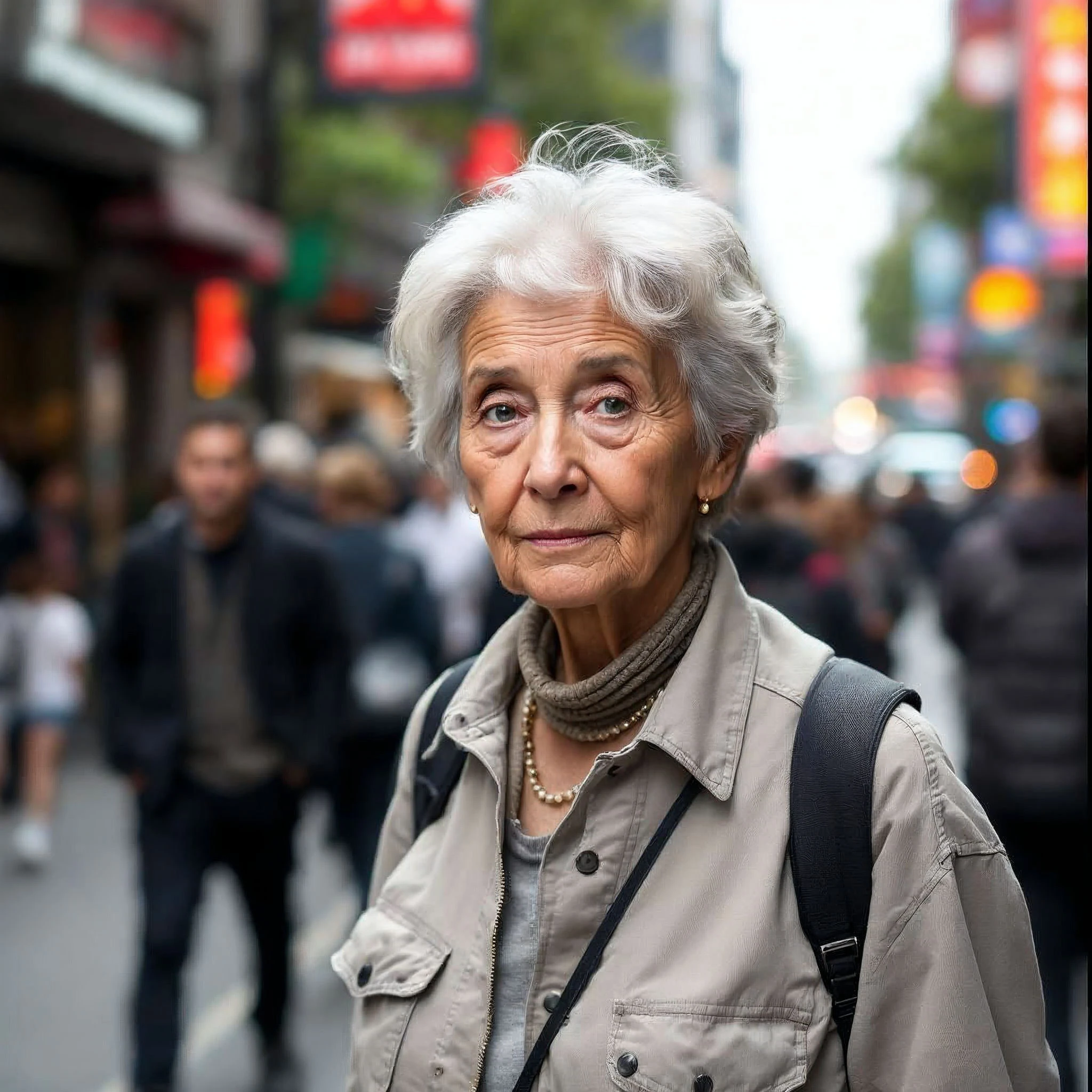 Before
 After
AfterLet us know
Please share your experience
Similar Tools
Why Clean Edges Matter
The quality of a background removal result often depends on how accurately fine details are preserved. Hair, transparent objects, shadows, reflections, and complex edges can be challenging because they blend naturally into the original scene. A good result should maintain the shape and detail of the subject without creating unnatural outlines or missing important visual elements.
About Image Background Remover
Background removal is useful when an image subject needs to be isolated for presentations, product listings, graphic design, marketing materials, or creative projects. Removing distracting elements allows the viewer's attention to focus on the main object while providing greater flexibility for placing it on different backgrounds or layouts.
How to Use
Step 1
Upload your image (JPG, PNG, or WebP up to 10MB) into the background remover — or drag and drop it straight into the upload area.
Step 2
Choose your output format: a transparent PNG for clean cut-outs, or a JPG for a smaller file.
Step 3
Pick a background type — transparent (default), solid white, green, or an alpha map — depending on where you'll use the result.
Step 4
Optionally adjust the threshold slider for a harder or softer cut-out edge, or enable 'Remove foreground' to invert the selection.
Step 5
Complete the CAPTCHA and click Remove Background — the AI erases the background in just a few seconds.
Step 6
Preview the cut-out on the right, then download your HD transparent image instantly.
Step 7
Use the result anywhere — product photos, profile pictures, posters, presentations, or social media graphics.
Features & Benefits
- ✅AI background remover that produces accurate, clean cut-outs in seconds — no manual editing.
- ✅Remove background from image free, with no signup, no watermark, and no credit card.
- ✅Export a transparent PNG or a compact JPG in high-quality HD resolution.
- ✅Make an image transparent online, right in your browser — no Photoshop or software to install.
- ✅Choose your background: transparent, white, green, alpha map, or invert to keep the foreground.
- ✅Adjustable edge threshold for sharp product cut-outs or soft, natural edges around hair and fur.
- ✅Works on product photos, portraits, logos, and graphics — perfect for e-commerce and social media.
- ✅100% browser-based and mobile-friendly — remove backgrounds on phone, tablet, or desktop.
- ✅Your images are never stored — every upload is processed in real time and deleted instantly.
FAQs
Is this background remover free to use?
Yes. You can remove the background from an image free, with no signup and no watermark. There's no credit card required — just upload your photo and download the transparent result. Free users get a generous daily limit, and Pro members get unlimited removals.
How does the AI background remover work?
When you upload an image, our AI model analyses the foreground subject and draws a precise cut-out mask that separates the subject from the background. It then outputs a transparent PNG (or your chosen format) in HD. The whole process takes a few seconds and runs entirely online — no software to install.
What image formats can I upload and export?
You can upload JPG, PNG, or WebP images up to 10MB. For the output, choose a transparent PNG (ideal for cut-outs and overlays) or a JPG (smaller file size). PNG is recommended whenever you need a transparent background.
Can I make an image transparent with a white or colored background instead?
Yes. The default background type is transparent (RGBA), but you can switch to solid white, green (for green-screen use), or an alpha map. You can also invert the tool to remove the foreground and keep the background instead.
Does it work in high resolution (HD)?
Yes. The background remover outputs high-quality HD results that stay sharp for product photos, profile pictures, and print. For the best quality, upload the highest-resolution version of your image (up to 10MB).
Are my images stored or shared?
No. Your images are processed in real time and never saved on our servers. Once the background is removed and you've downloaded the result, the data is gone — we don't keep copies and we don't use your uploads to train models.
What can I use the transparent image for?
Transparent PNGs are perfect for e-commerce product listings, profile pictures, logos, posters, presentations, thumbnails, and social media graphics — anywhere you need a clean cut-out without a background.