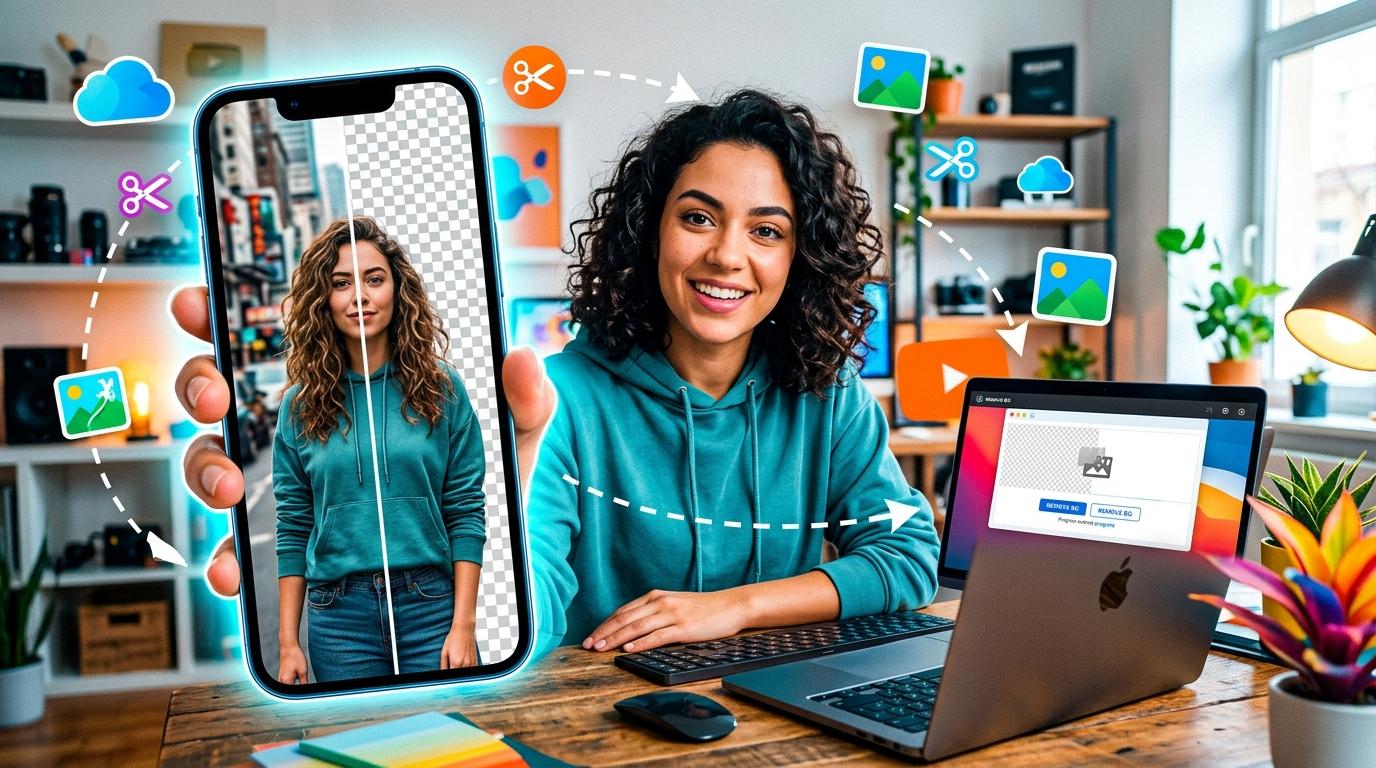
Removing the background from an image used to require expensive software like Photoshop and hours of manual editing with selection tools, masks, and layers. Today, AI-powered background removers can do it in seconds — and many are available online for free.
Whether you're an e-commerce seller who needs clean product photos, a content creator making thumbnails, or someone who just wants a transparent profile picture, this guide shows you exactly how to remove any image background online — no signup, no software install, no watermark.
What Is Background Removal?
Background removal is the process of isolating the main subject of an image by deleting everything behind it. The result is an image with a transparent background (saved as PNG) that you can place on any colour, pattern, or composite scene.
Modern background removers use AI models trained on millions of images to automatically detect the foreground subject — a person, a product, an animal, an object — and separate it from the background with pixel-level precision. The AI identifies edges, handles hair and fur, and produces a clean cutout that would take a human editor minutes or hours to achieve manually.
Why Removing Backgrounds Matters
A clean, background-free image instantly looks more professional. Here's why it matters across different contexts:
- E-commerce: Marketplaces like Amazon and eBay require product images on pure white backgrounds. A background remover gets you there in one click.
- Social media: Profile pictures and posts with transparent backgrounds can be placed on any colour, making them versatile across platforms.
- Presentations: Dropping a product or person into a slide without a messy background makes your slides look polished and intentional.
- Design composites: Graphic designers need isolated subjects to layer into posters, banners, and marketing materials.
- Thumbnails: YouTube and blog thumbnails with clean cutout subjects get higher click-through rates than cluttered images.
How to Remove a Background Online (Step-by-Step)
Our Background Remover tool makes the process effortless:
- Open the tool. Go to our Background Remover page.
- Upload your image. Drag and drop or click to browse. Supports JPG, PNG, and WebP. Maximum file size: 20MB.
- Wait a few seconds. The AI analyses your image, detects the foreground subject, and removes the background automatically — no manual editing required.
- Preview the result. You'll see your image with a transparent background (displayed as a checkerboard pattern, which indicates transparency).
- Download. Click Download to save the result as a transparent PNG. No signup, no email, no watermark.
The entire process takes under 10 seconds for most images. There's no limit on how many images you can process.
PNG vs JPG: When to Use Transparent PNG
When you remove a background, the result is saved as a PNG file because PNG supports transparency and JPG does not. Here's when to use each:
Use PNG (transparent) when:
- You need to place the subject on different backgrounds later
- You're creating a logo, icon, or overlay
- You're compositing the image into a design
- You need pixel-perfect quality with no compression artifacts
Use JPG (with white background) when:
- You're uploading to a marketplace that requires white backgrounds (Amazon, eBay)
- File size matters more than transparency (JPG is smaller)
- The image will only ever be used on a solid-colour background
Need to convert your transparent PNG to JPG with a white background? Use our Image Converter to switch formats instantly.
Common Use Cases for Background Removal
Product Listings
Online marketplaces require clean product images. Remove the background from your product photos to get that pure white background that converts browsers into buyers.
Profile Pictures
Remove the background from your selfie or portrait to create a versatile profile picture that looks great on any platform — LinkedIn, GitHub, Discord, or your own website.
Social Media Content
Create eye-catching posts by isolating subjects and placing them on branded backgrounds, gradients, or patterns.
Presentations and Slides
Drop people, products, or objects into your slides without messy rectangular backgrounds ruining the layout.
Logos and Branding
Turn a photo of a sketch or physical object into a transparent logo you can overlay on any material.
Why Our Background Remover Stands Out
- No signup required. Open the page, upload, download. No account, no email, no friction.
- No watermark. Your output is clean and ready to use commercially.
- HD quality. We process at your image's original resolution — no downscaling.
- Nothing stored. Your images are processed and deleted immediately. We don't keep copies.
- Free and unlimited. No per-image fees, no daily limits, no premium tier for basic usage.
- Works on any device. Desktop, tablet, or phone — it's a web tool, no app install needed.
Ready to try it? Head to our Background Remover and see how fast AI can clean up your images.